
Overview
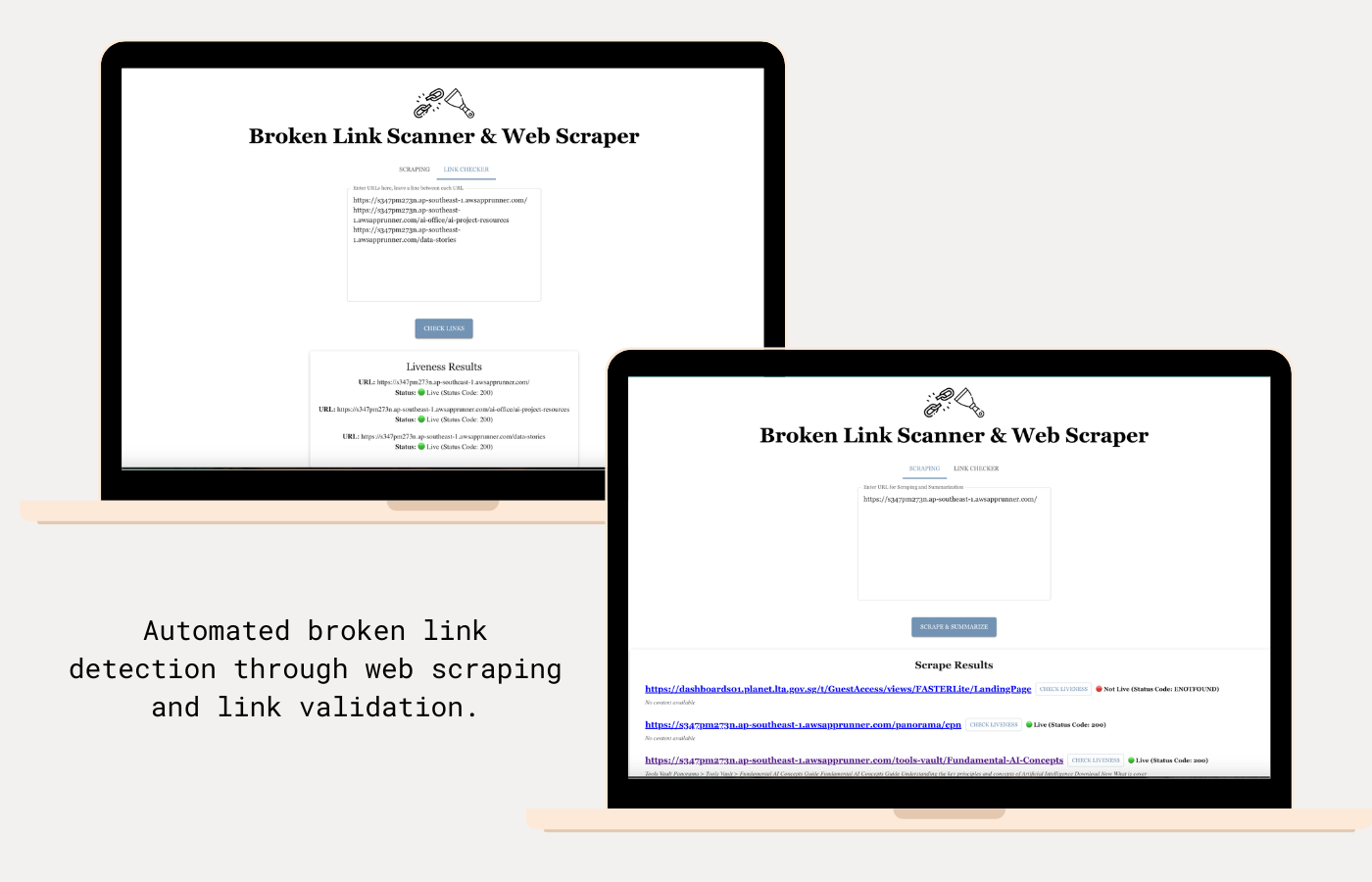
During my DevOps internship at the Land Transport Authority (LTA), I built a Broken Link Scanner: a web application that crawls a page, pulls out every embedded link, and checks whether each one is still alive. It turns a slow, manual clicking exercise into a single automated scan, making website maintenance faster and more reliable.
The problem
Websites and internal portals collect hundreds of links over time. When a page moves or a server goes down, those links quietly break. Finding them by hand means clicking through every page one by one. It’s slow, easy to miss things, and usually only happens after a user complains.
What I did
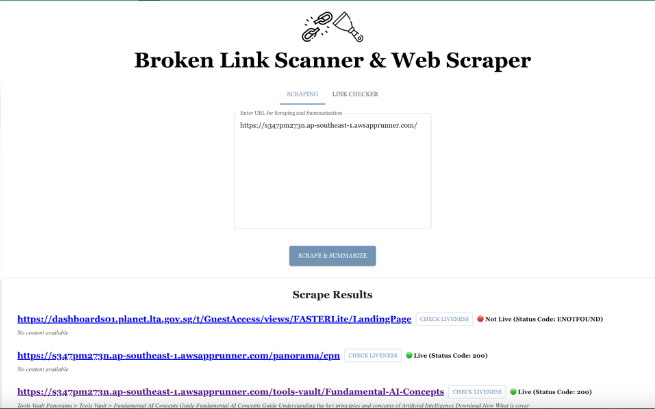
- Built the scraper: given any URL, the application scrapes the page, extracts every embedded link and summarises the content it finds.
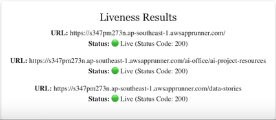
- Automated link validation: each link is checked automatically and labelled Live or Not Live, along with its status code (e.g.
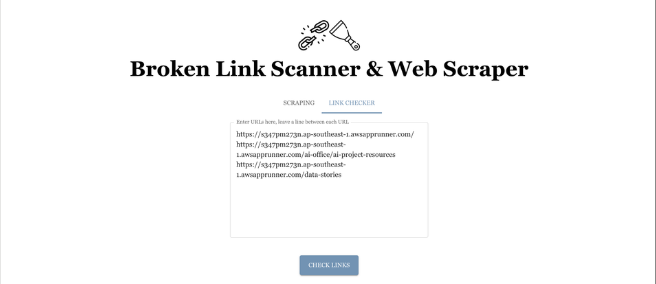
200orENOTFOUND). - Designed a simple two-mode interface: a Scraping tab to explore a single page, and a Link Checker tab to paste a batch of URLs and check them all at once.
- Handled the scraped data end to end: from extraction to displaying clear, readable results in the web interface.
How it works
- Scrape: enter a URL, and the application crawls the page and collects every embedded link.
- Validate: each link is requested automatically and its HTTP status is recorded.
- Report: results are listed with a clear Live or Not Live label, so broken links stand out instantly.
Future improvements
- Build a richer dashboard to visualise link health and trends over time.
- Add scheduled scans with notifications when a link breaks.
- Optimise scraping performance and scalability for larger websites and intranet deployment.
Lessons learnt
- Strengthened my understanding of web scraping and data handling.
- Improved my problem-solving and debugging skills in web development.
- Gained experience building practical, user-focused tools for real users in a professional environment.