
Overview
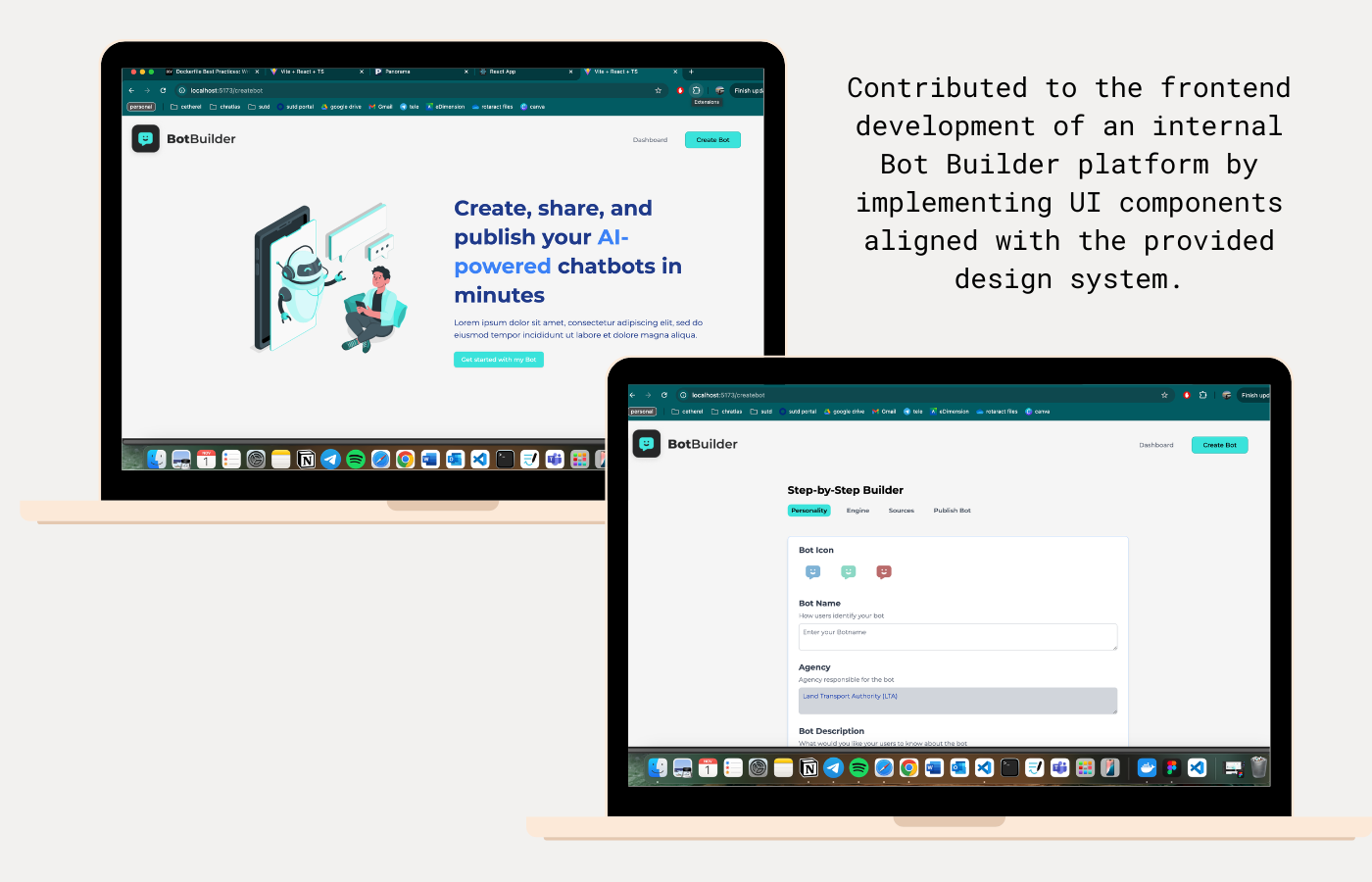
During my internship at the Land Transport Authority (LTA), I worked on the frontend of an internal Bot Builder platform, a tool that lets teams across LTA create, share and publish AI-powered chatbots without writing code. My focus was turning the provided design system into clean, reusable UI components and an intuitive building flow.
The challenge
Creating a chatbot involves many decisions: its identity, the AI engine behind it, the knowledge sources it draws from, and how it’s published. Put all of that on one long form and it quickly becomes overwhelming. The interface needed to guide non-technical users through the process step by step, while staying consistent with LTA’s design system.
What I did
- Built reusable UI components with Material UI and custom components, so common elements like inputs, buttons and cards could be reused across pages.
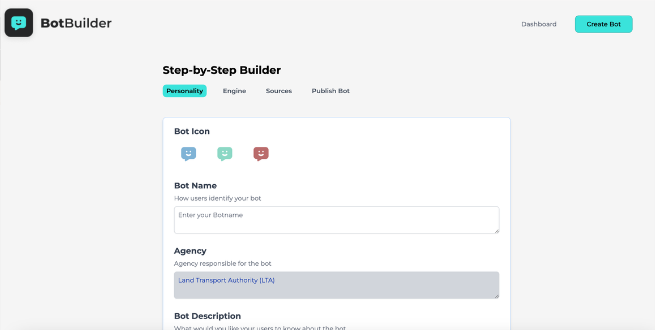
- Implemented the Step-by-Step Builder: a guided flow that breaks bot creation into four clear stages: Personality → Engine → Sources → Publish Bot.
- Stayed true to the design system: matched spacing, colour and typography so every screen felt visually consistent.
- Collaborated with the team to refine usability and interactions across the UI.
- Built UI library: explored and built own UI library to show that it is possible to create one to make the UI component consistent and easily implemented.
Design decisions
- One step at a time: splitting the builder into tabs reduces cognitive load and shows users exactly where they are in the process.
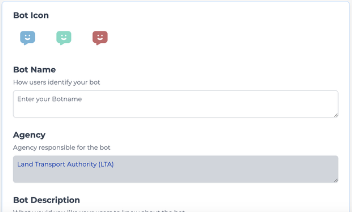
- Clear labels and helper text: every field explains itself (e.g. “How users identify your bot”), so users don’t need a manual.
- Sensible defaults: fields like Agency are pre-filled with Land Transport Authority (LTA), saving time and preventing errors.
- A single, obvious action: the teal Create Bot button stays in the same place across pages, so it’s always easy to find.
Future improvements
- Expand the reusable component library to improve consistency and speed up future development.
- Improve responsiveness and accessibility across different screen sizes and devices.
- Refine user flows and interactions based on usability testing and feedback.
- Explore subtle animations and micro-interactions to make the builder feel more responsive.
What I learned
- Gained hands-on experience using Material UI to build clean, reusable and consistent frontend components.
- Learned how component libraries speed up development by letting common UI elements be reused across pages.
- Strengthened my understanding of customising components while staying consistent with a design system.
- Learned the importance of building scalable UI structures that other developers can easily maintain and extend.
- Developed a better understanding of how frontend design choices affect usability, navigation and user experience.