Overview
Travel with Ascenda is a hotel booking website developed in collaboration with Ascenda. Users can create an account, browse and book hotels, pay securely, and manage their reservations, all in one place. My focus was the frontend: building an intuitive interface that balances usability, accessibility and visual consistency across every step of the booking journey.
The problem
- Hotel booking platforms often have cluttered interfaces and complicated booking flows.
- Users can struggle to move between hotel listings, booking details and payment.
- Paying online needs to feel safe, or users drop off at checkout.
The challenge was to design a clean, intuitive interface that simplifies booking without losing any functionality.
What I did
- Designed and built structured UI components, navigation flows and dynamic filtering, so users can find and compare hotels easily.
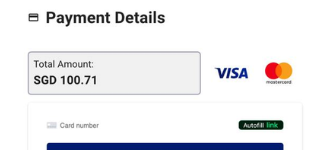
- Integrated the Stripe API for secure transactions, giving the checkout a smooth and trustworthy feel.
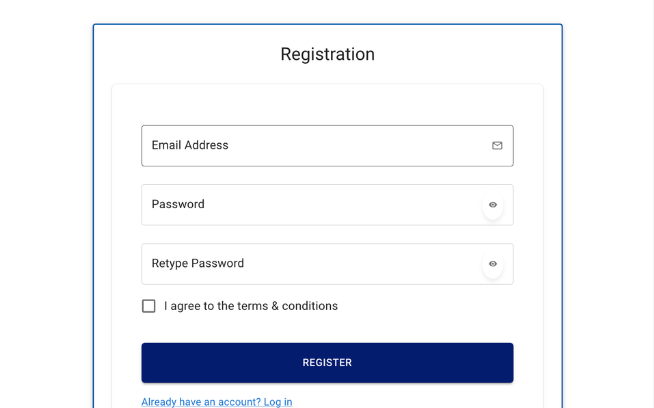
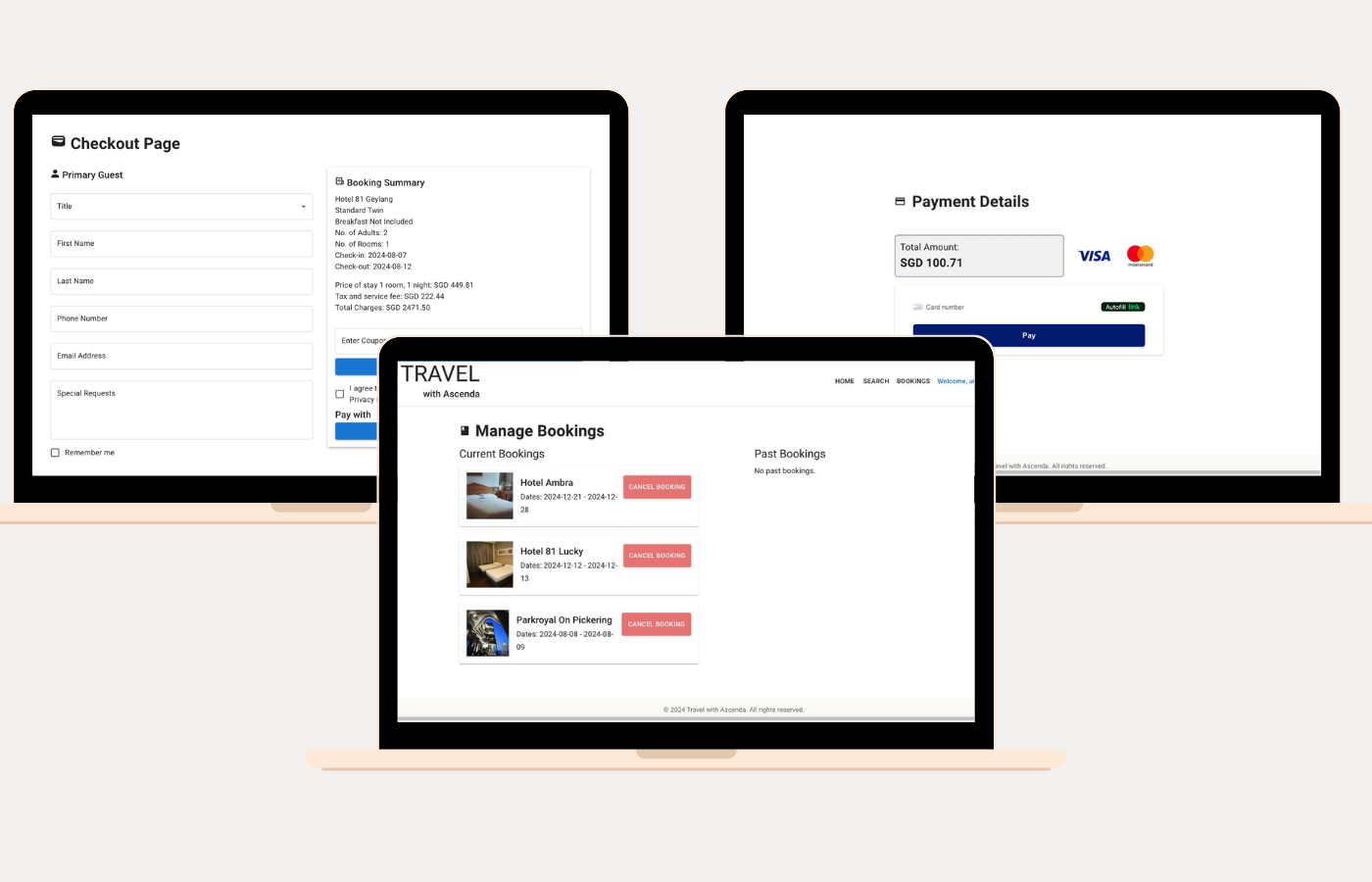
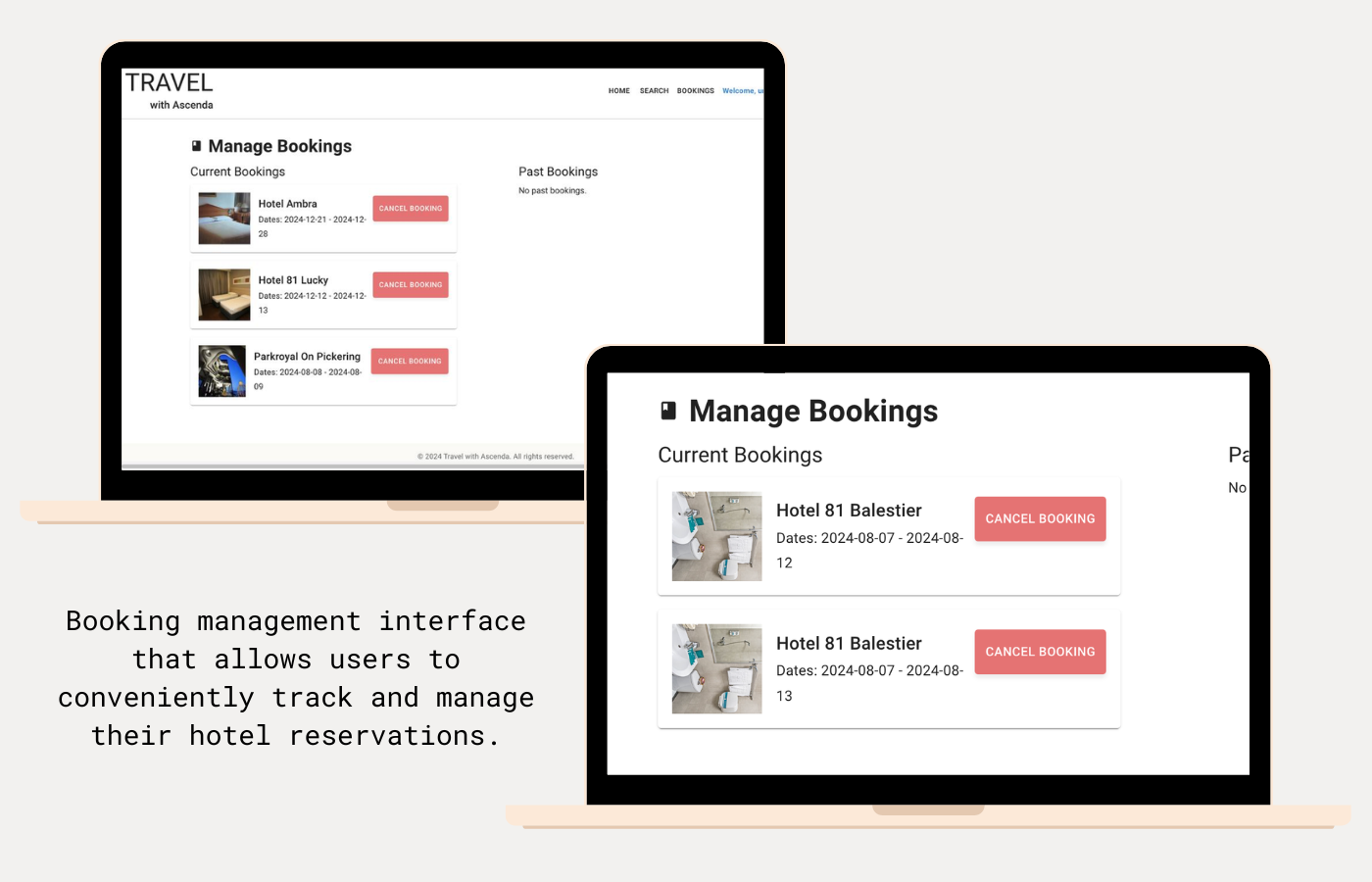
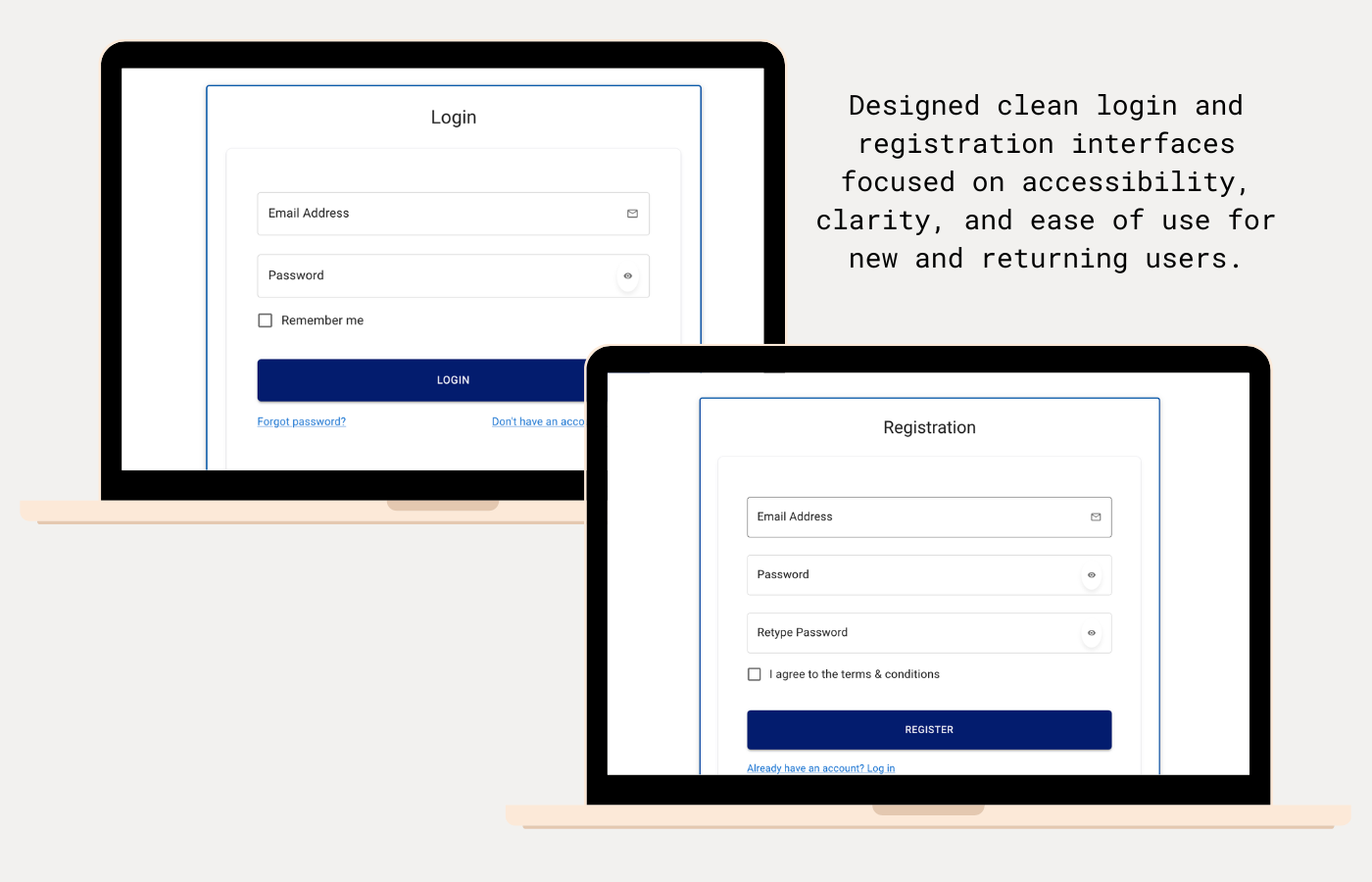
- Built the account and booking screens: login, registration, checkout and booking management.
- Worked on frontend logic and API integration, ensuring seamless interaction between the interface and the backend.
Key features
- User-friendly hotel browsing with dynamic filtering
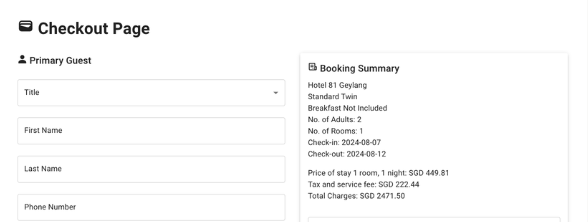
- Streamlined booking: guest details and a full price breakdown on one page
- Secure payment through Stripe, with familiar Visa and Mastercard cues
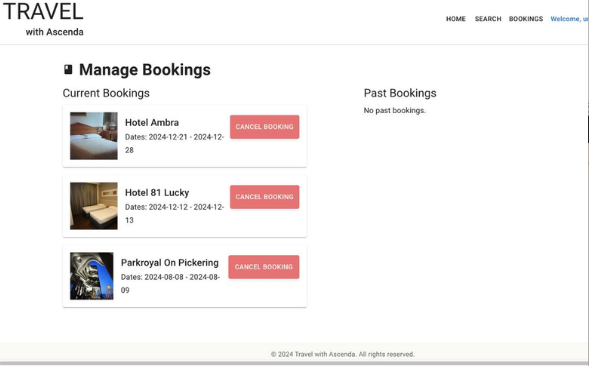
- Booking management: view current and past stays, or cancel in one click
- Responsive, visually consistent design across every page
Design decisions
- Show the full price before payment: the booking summary lists the room, dates, guests, taxes and total, so there are no surprises at checkout.
- One primary action per screen: a single bold button (Login, Register, Pay) makes the next step obvious.
- Familiar trust signals: Stripe’s card field and the payment logos reassure users at the most sensitive step.
- Clear destructive actions: Cancel booking uses a distinct colour, so it is easy to find but hard to press by accident.
Lessons learnt
- Learned how frontend design decisions directly shape the booking experience and its usability.
- Improved my skills in responsive web development and UI implementation.
- Gained experience structuring user flows for browsing, booking and payment.
- Developed a better understanding of balancing functionality, accessibility and clean visual design in frontend development.